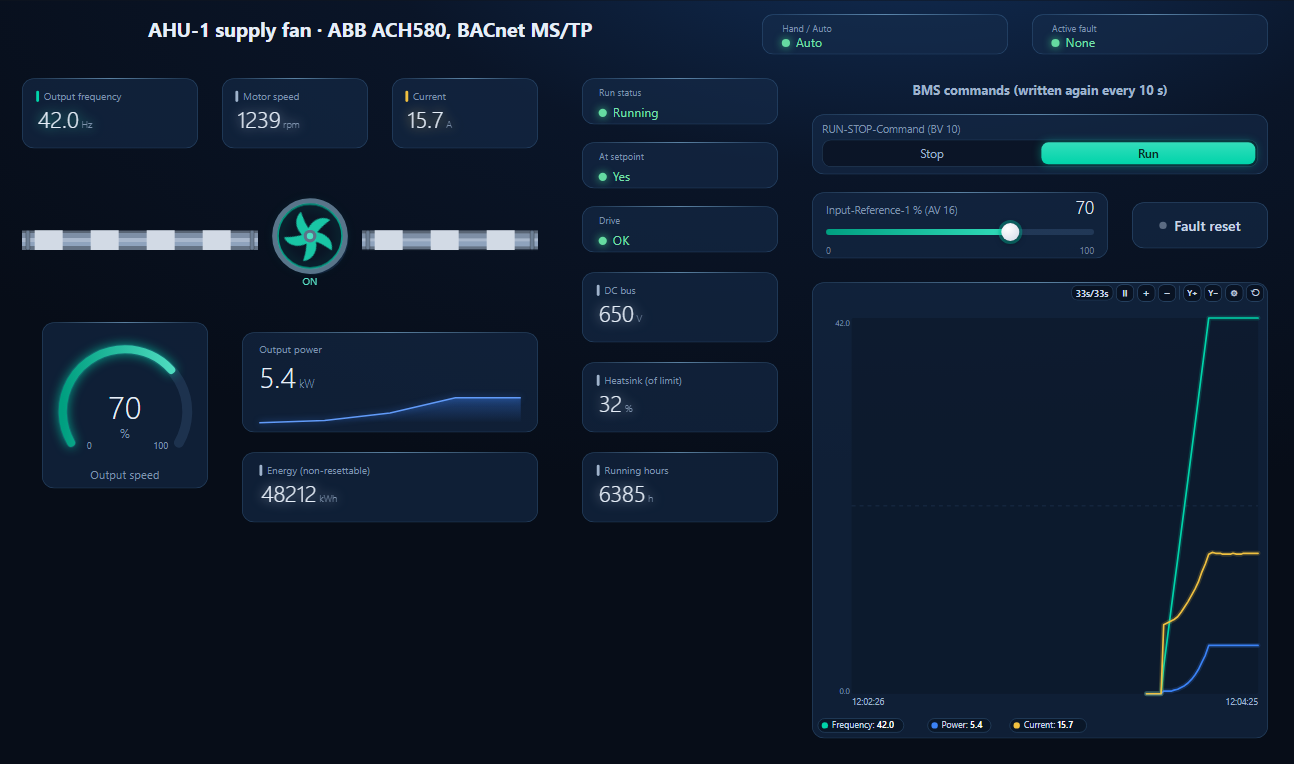
// the result
A workspace is one .json file that holds a complete BACManager setup: the dashboard, the tags and the script, the BACnet points it reads, the Historian series and the gateway. Every device guide on this site comes with a free one. Open it, let BACManager move its points to the device instance on your network, and the dashboard comes alive without building anything.
Windows 10/11 · one-time license · 14-day trial
A workspace says what to read and how to show it. The network the device is on belongs to the PC.
| In the workspace | Not in the workspace |
|---|---|
| The dashboard: pages, elements, theme | Connection settings: network interface, MS/TP port, BACnet/SC hub — each PC keeps its own |
| Tags, the script, the BACnet points they read (by device instance) | Alarm definitions of the Alarms tab and the S7 PLC list (the application keeps those) |
| Which series the Historian logs, the BACnet request gaps, the BACnet tab's list of discovered devices | Recorded history — the values stay in the Historian database |
| Modbus poll windows, slave blocks, the BACnet simulator configuration, the gateway (opening asks before applying it) | Nothing connects by itself: you open the client |
The button next to Download workspace on every device guide opens it straight in BACManager 1.4.9 or newer on your PC.
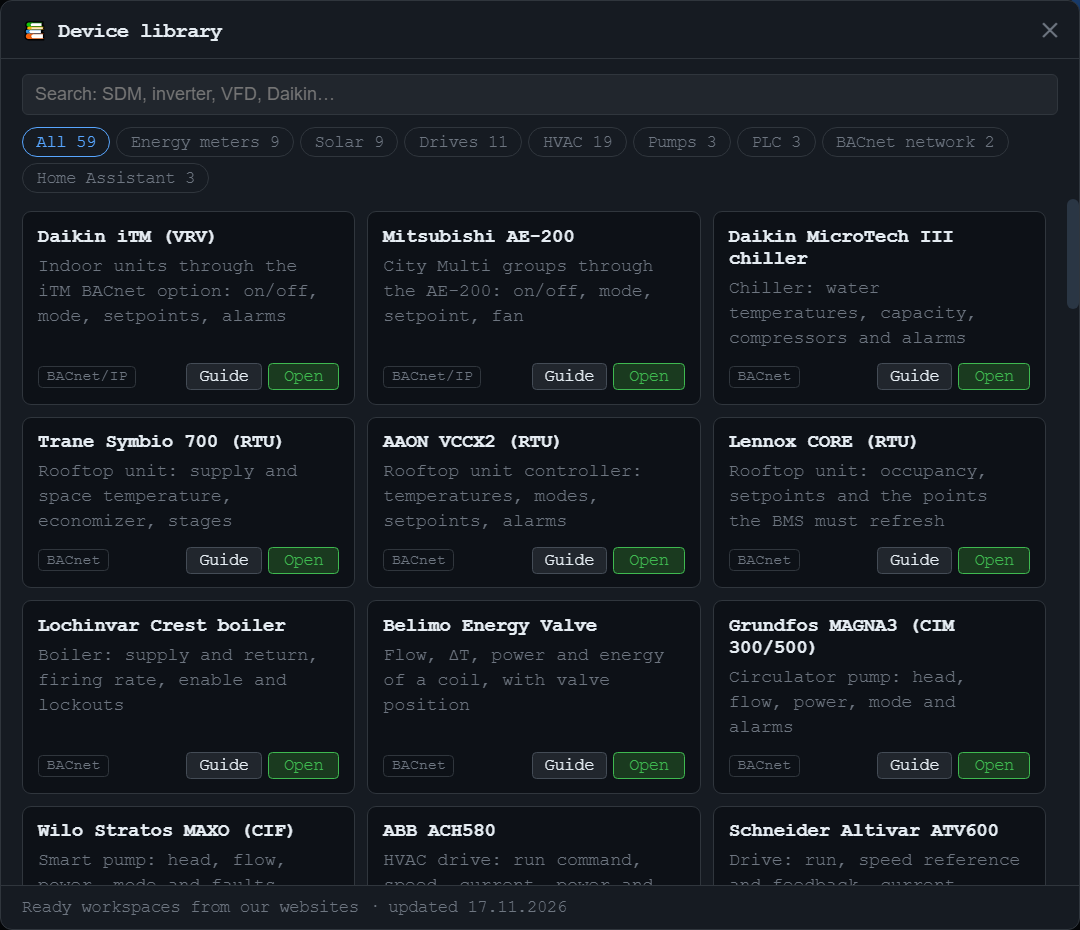
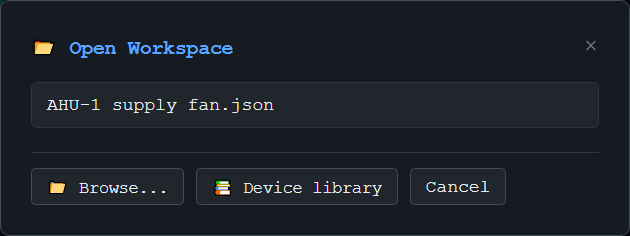
Inside the app: every ready workspace from bacmanager.com and modbusmanager.com, with a search and categories. New devices appear without an app update.
📂 in the toolbar lists the workspaces in your Documents folder; Browse… opens one from Downloads, a USB stick or an e-mail.
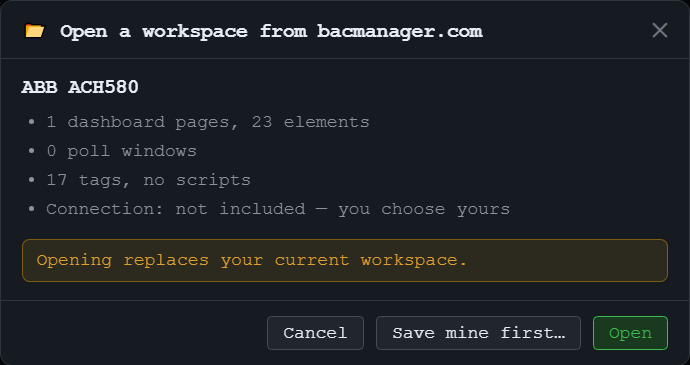
From the guide or the library, BACManager first shows what the workspace holds — pages and elements, tags, whether it has a script — and that no connection comes with it. Opening replaces the workspace you have open, so Save mine first… is right there.
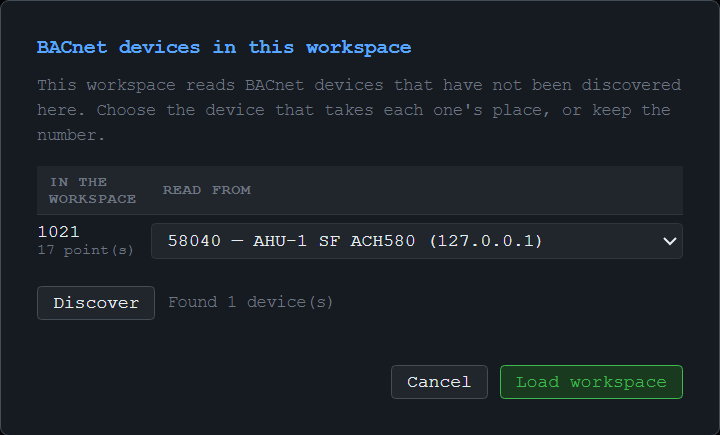
A workspace names BACnet devices by instance. The ACH580 workspace reads device 1021 — your drive almost certainly has another number.
On the BACnet tab choose BACnet/IP, MS/TP or BACnet/SC, open the client and press Discover, so BACManager knows the devices on your network.
BACManager sees that device 1021 is not here and asks which discovered device takes its place. The dialog has its own Discover button too.
Every point moves over at once: tags, dashboard elements, the script, logged series, gateway rows, PID loops and request gaps.
Keep leaves a number as it is, and two workspace devices can never both go to one. With nothing discovered yet, the workspace loads unchanged and a hint names the device numbers it reads — discover and open it again. A Runtime kiosk is never asked. Workspaces with Modbus devices connect on the Modbus side as in ModbusManager.
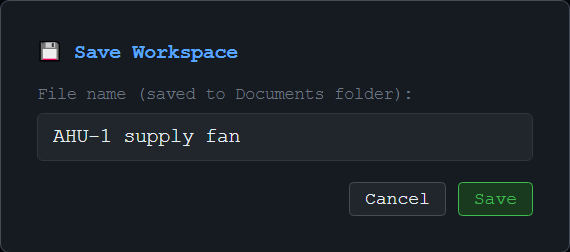
Saves the setup under your own name to your Documents folder; 📂 lists it the next time. On quit BACManager asks whether to save.
Copy the .json file and open it there with 📂 → Browse…. Only the client and the network interface are chosen again.
The same file becomes a Runtime package for an operator screen, and ModbusManager Pro opens it too.
Ready workspaces come with every BACnet device guide: chillers and rooftop units, air handling units, VAV controllers, drives, pumps, energy meters, VRF systems and routers. The user manual has the full reference.
Device library, dashboards and device remap included in the free trial. No credit card.
Windows 10/11 · $149 one-time
We use Google Analytics cookies to see how the site is used. You can accept or decline — declining keeps analytics off.